Taobao Main Image 2026 Size Spec + 10 Design Tricks That Lift CTR
Complete Taobao main-image sizing for PC, mobile, and Zhitongche ads, plus 10 battle-tested CTR design tricks and an AI workflow for bulk test creatives.
Ten years in the Taobao (Alibaba's flagship C2C marketplace in China) trenches — designer, operator, and back to designer. Every year a new wave of juniors asks me the same thing: how big should a Taobao main image actually be? Ignore the 2018 guides floating around; the platform rules have been overhauled three times since. Today I'm laying out the 2026 main-image size spec, the red-line violations to avoid, and the 10 design tricks I've personally A/B-tested to double CTR. At the end I'll share the AI batch workflow I run every day — I used to ship 3 creative sets max per day; now I push out 20 in an hour.
1. Taobao Main-Image Sizes — Every Surface
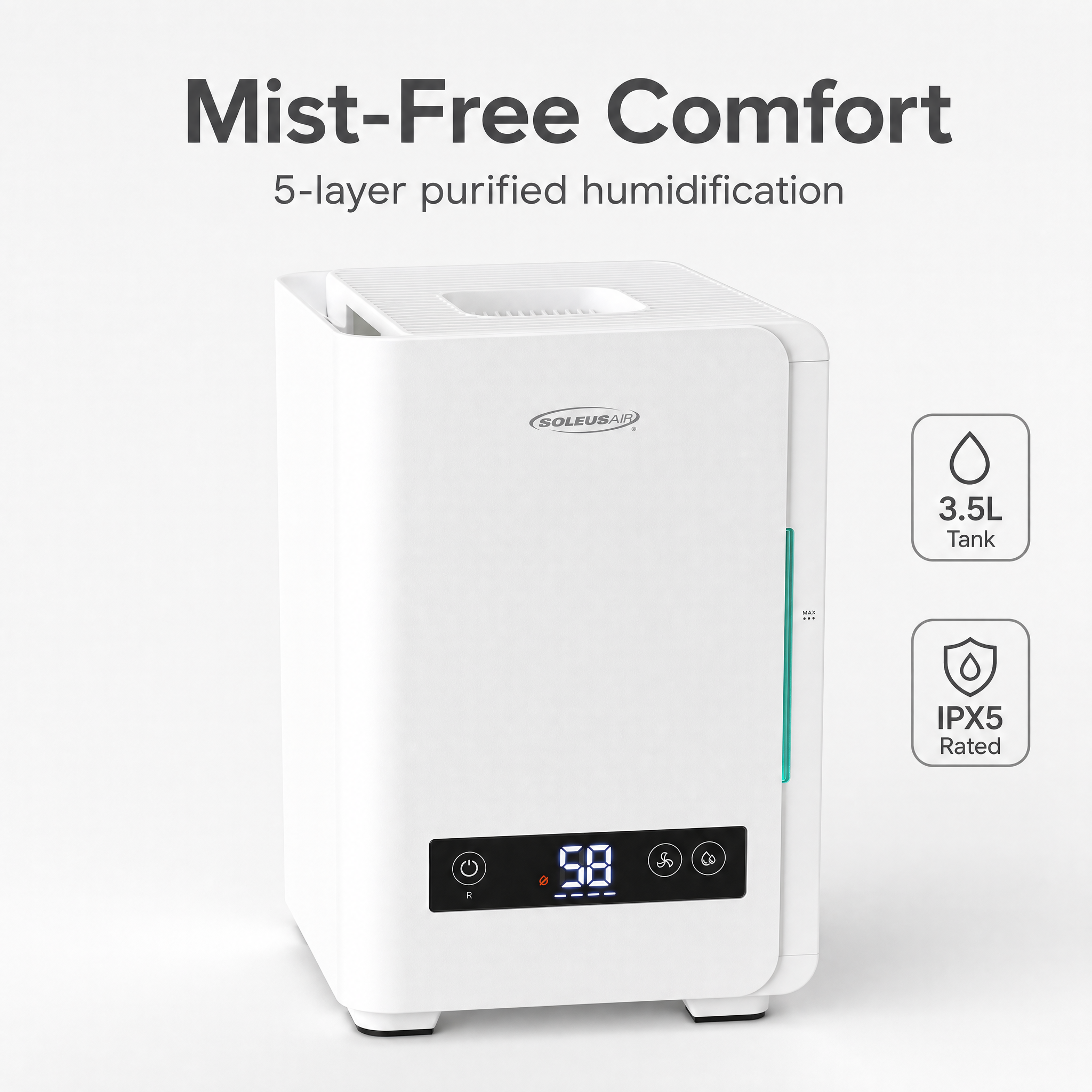
A lot of junior designers get confused: same SKU, but PC detail page, mobile detail page, Zhitongche (paid ads) — do you really need separate images? The honest answer: dimensions can be shared, but aspect ratio and whitespace need to be tuned per surface.
Here's the cheat sheet that's been taped to my workstation for a year:
| Surface | Recommended Size (px) | Ratio | Format | Max File Size | Notes |
|---|---|---|---|---|---|
| PC main image (slot 1) | 800×800 | 1:1 | JPG/PNG | 3MB | Must be white or solid background, otherwise no homepage placement |
| PC main image (slots 2-5) | 800×800 | 1:1 | JPG/PNG/GIF | 3MB | Lifestyle, selling-point, and comparison shots go here |
| Main image video cover | 800×800 | 1:1 | JPG | 3MB | Style must match the main image |
| Main image video | 800×800+ | 1:1 / 16:9 | MP4 | 60MB | 9-30 seconds; first frame is the cover |
| Mobile long image | 800×1200 | 2:3 | JPG/PNG | 3MB | Upload to slot 5 to showcase key benefits |
| Detail page inline | 750 wide × unlimited height | Free | JPG/PNG | 3MB each | Total length ≤ 12000px recommended |
| Zhitongche creative | 800×800 | 1:1 | JPG/PNG | 1MB | No clutter copy, no superlatives, no banned terms |
| Zhitongche landscape | 1200×675 | 16:9 | JPG | 1MB | Used in Zuanzhan and feed placements |
| White-background image (search-weighted) | 800×800 | 1:1 | JPG | 3MB | Subject occupies 50-80% of frame, RGB ≥ 240 |
| Transparent background | 800×800 | 1:1 | PNG | 3MB | For composites and slot-5 detail shots |
A few pitfalls that 90% of designers walk into:
- The "white" in white-background isn't strict #FFFFFF — the platform crawler accepts RGB ≥ 240, so don't agonize over pure white on export, but never drop below 240.
- 800×800 is the floor, not the goal. I export everything at 1500×1500 and downscale to 800 — the detail holds up better and the clarity score bumps a tier.
- The 1MB cap on Zhitongche creatives is brutal. JPG quality around 80 is the sweet spot; any lower and you get compression artifacts that tank your ad score.
- The mobile hero is the same file as PC slot 1. Don't waste hours making two versions.
2. Ten Design Tricks for High-CTR Main Images
Every one of these is A/B-tested via Zhitongche, and each individually pulled at least 8% CTR lift. Stacked together, I took one home-goods listing from 1.2% to 4.6%.
- Center the subject and let it fill 70% of the frame. On mobile, the thumbnail is the size of your thumbnail — anything smaller turns to mush.
- Use a background that complements the product. Yellow background with a blue product, pink with green — pick across the color wheel for maximum visual pop.
- Top-left corner: your strongest selling point. Eyes scan in an F-pattern; the top-left is prime real estate. Reserve it for "100K sold this month" or "Direct-from-factory 50% off."
- Bottom-right corner: authority signals. CCTV-recommended, lab reports, "#1 in category" — anchoring trust at the bottom-right closes the visual loop.
- Keep text blocks under 6 characters. Beyond that, mobile rendering turns mushy. Two short lines reads three times better than one long one.
- Minimum 60px font size. On 800×800, headlines 80-120px, sub-copy 50-60px. Anything smaller may as well not exist.
- Use arrows or circles to direct the eye. Point at the price or freebie — eyes follow unconsciously, and conversions visibly climb.
- Add a comparison scene. Personal-care: before/after. Apparel: a 5'5" model wearing it. Decision time gets cut in half.
- Lifestyle shots beat white-background (in non-search slots). Slots 2-5 should all be lifestyle — immersion drives 30%+ higher add-to-cart than bare product shots.
- Refresh the main-image palette monthly. Same SKU, new background color, and the platform reshuffles your traffic pool — basically a free new-listing boost.
3. Main-Image No-Gos + How to Appeal a Violation
My old colleague racked up 6 penalty points per slip on the items below — the listing went straight to Siberia:
- Banned superlatives: "Best," "#1," "top-tier," "exclusive," "absolute," "only," "national-grade" — none allowed, including pinyin spellings or homophones.
- Exaggerated efficacy: Skincare can't say "removes spots" or "whitens"; food can't say "treats" or "lowers blood pressure" — instant violation.
- Price absolutes: "Lowest online," "loss-leader clearance," "unprecedented" — absolute-language flags trigger automatic delisting.
- Brand piggybacking: Other brand logos or look-alike designs on your main image draw a complaint; 12 points minimum.
- Cluttered text overlays: If text covers more than 30% of the frame, search ranking takes a hit. Over 50%, you're out of the search pool entirely.
- QR codes and contact info: WeChat IDs, phone numbers, external links — all banned. First offense is a warning, second offense shuts down your store.
What to do when you get flagged:
- Seller Center → Health Check → Violation Details. Screenshot both the original image and the violation notice.
- File the appeal within 24 hours, attached with product credentials (brand authorization, lab reports, original-design copyright).
- Keep the appeal short: paragraph one states the facts, paragraph two delivers evidence, paragraph three requests review. No arguing. No essays.
- If the appeal fails, don't resubmit — swap the image and relist. Three failed appeals on the same image lands you on the blacklist.
4. AI vs. Designer Outsourcing — A Real Cost Comparison
I ran an outsourcing shop for three years before pivoting to AI in 2024 — I went from 4 in-house designers to 1. Below is the actual P&L I showed my boss, comparing traditional outsourcing shops against an in-house design team:
| Item | Outsourcing (Traditional) | In-House Designer (Traditional) |
|---|---|---|
| Cost per main image | ¥80-150 | ~¥50 amortized per image |
| Set of 5 images + detail page | ¥800-1500 | ¥400 |
| Turnaround | 3-5 days | 1-2 days |
| Revision cost | +¥50 each time | Included in salary |
| Multi-SKU batches | Full price per SKU | Queue and wait |
| Style consistency | Designer-dependent | Medium |
| New-product velocity | 5-10 SKUs/week | 10-20 SKUs/week |
The conclusion is brutal: whether you're paying per-image to a shop or paying a monthly salary in-house, the bottleneck isn't unit price — it's throughput. Outsourcing queues are jammed and every revision is metered; in-house designers can't keep up with dozens of SKUs launching at once no matter how hard they grind. The real value of AI tools is that they move "image production" from a cost center to infrastructure — like electricity. You stop asking "how much per image" and start asking "how many SKUs are we launching today." My own store quadrupled SKU launches last year, hired two fewer people, and lifted gross margin by 8 points — all from saved design cost and reduced trial-and-error.
But AI isn't a silver bullet. High-AOV flagship products, brand hero shots, and marquee campaign posters still deserve hand-polish. AI solves the volume problem, not the magazine-cover problem. My split: storefront KV banners, hero best-sellers, and Double 11 campaign pages still go to a senior designer. Everything else — long-tail SKUs, seasonal items, event freebies, affiliate distribution images — runs through AI. The cost-and-speed gap over traditional workflows is a complete blowout.
5. AI Workflow for Bulk Zhitongche Test Creatives (5 Variants)
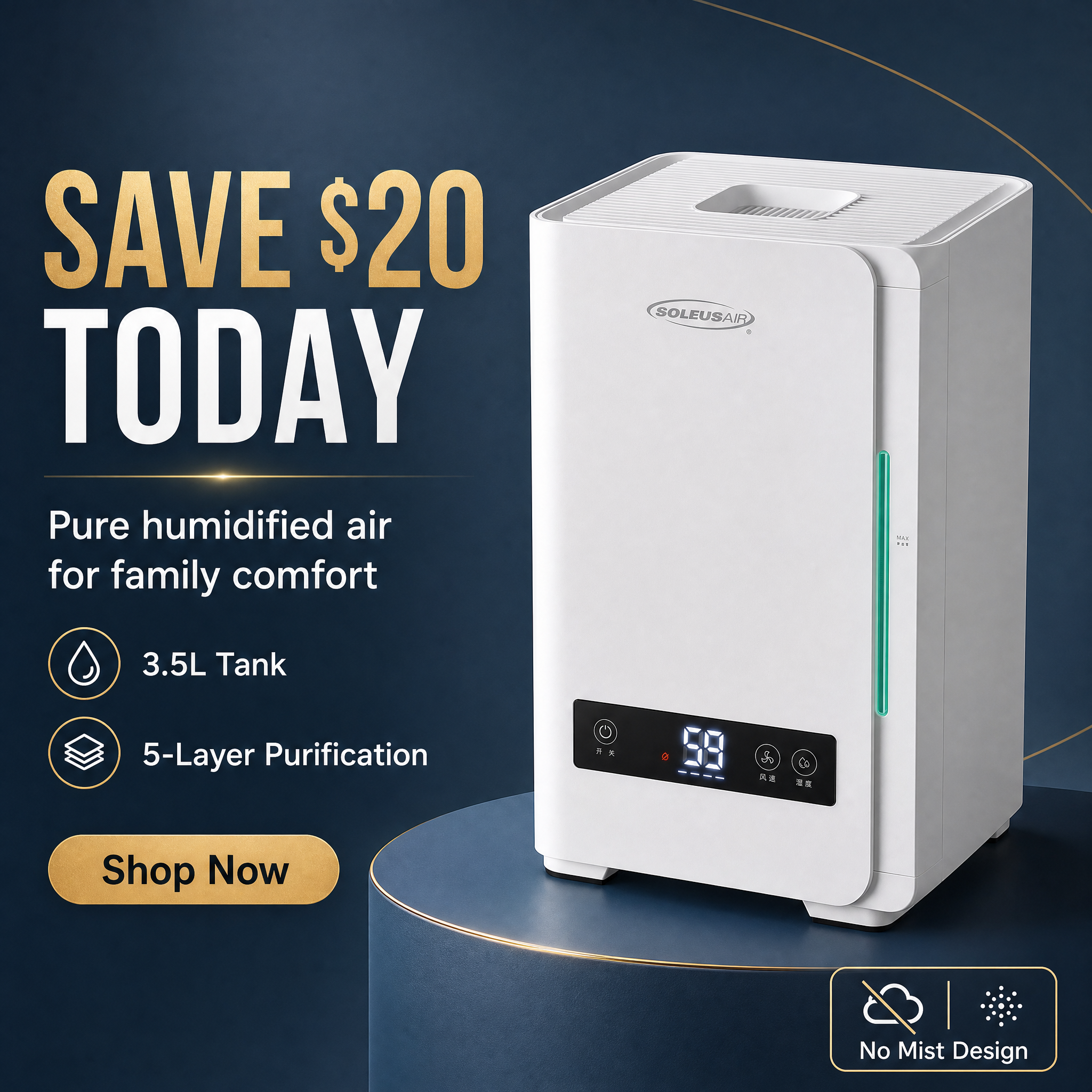
I block out one hour every Monday and run every SKU we plan to test that week through this pipeline:
Step 1: Prep source assets
- One white-background product shot (a clean phone photo is fine — just decent lighting)
- One model-on shot or lifestyle shot (skip if you don't have one)
- 3-5 selling-point keywords (e.g., UV-protection, lightweight, UPF50+, machine-washable, ¥299)
Step 2: Run 5 test angles
I always run these 5 versions and push the winner through Zhitongche:
- Price-led: Massive "¥99" with strike-through MSRP — best for promo windows.
- Benefit-led: UPF icon plus a one-line pain point — best for rational-purchase categories.
- Lifestyle-led: Model shot in actual usage context — best for apparel and beauty.
- Comparison-led: "Old version" on the left vs. "Upgraded" on the right — best for tools and home goods.
- Trust-led: Lab report + sales numbers + media mentions — best for food and supplements.
Step 3: Batch generation
Feed source images and keywords into the AI, all 5 angles generated in one pass. Manually this used to take 2 days; now it's 5 minutes.
Step 4: Small-budget test
Allocate ¥50-100 daily budget per creative, same campaign, same time slot, 3 days of data is enough. From my experience, the winner typically posts CTR 30%+ above the rest — that's the seed creative you scale.
Step 5: Iterate
Take the winner, spin off 5 micro-variants (swap background, swap copy, swap subject angle), and recurse until CTR plateaus.
Get It Done in 30 Seconds with YunJing AI
If you're still using Photoshop to mask, color-correct, and lay out one image at a time, you're running 2026's business with 2015's toolkit. YunJing AI was built precisely for this: drop in one product photo, and 30 seconds later you've got a full main-image set + A+ detail page + Zhitongche test creatives, sized to Taobao spec automatically, white-background images auto-tuned to RGB 240, and copy auto-fitted to your category's pain points.
The new designer I'm mentoring hit 3x the output of our senior designer in her first week using this tool — boss gave her a raise on the spot.
Stop letting size specs and cut-outs eat your day. Spend that time on what actually makes money: testing, scaling, and retention.
Want to try the workflow described above?
Start with YunJing AI →