Douyin E-commerce Product Image Spec 2026 (Hero / White-BG / Detail / Video Cover — Full Sizes)
A full 2026 spec for Douyin e-commerce product imagery — hero, white-background, SKU, detail page, and video cover sizes + algorithm preferences + violation traps.
I've been running Douyin (China's domestic TikTok) stores for five years, from the early pure-shelf days through the current triple-track of livestream + short video + marketplace. I've personally listed well over ten thousand SKUs by now. Every year Douyin quietly retunes its visual rules, and this year's changes are unusually heavy — the algorithm's preference on hero aspect ratios, the purity check on white-background shots, and the auto-compression thresholds on detail-page images are all stricter than last year's. This piece pulls together the latest 2026 Douyin e-commerce product image spec in full, covers every scenario, and you can copy it directly.
No fluff — table first, then I'll walk through where the traps are and how to fill each slot.
1. Full Size Table for Douyin Product Images
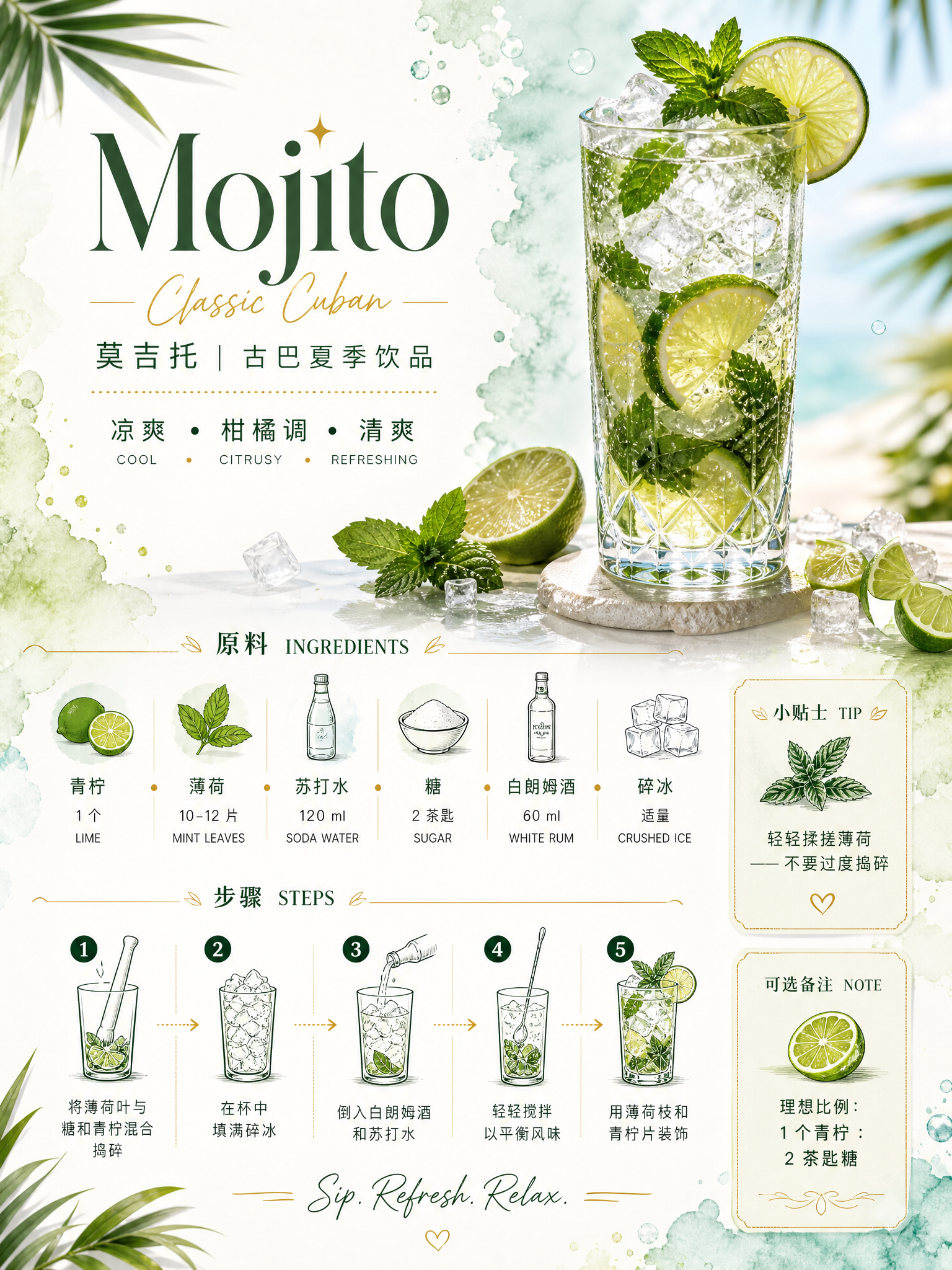
The table below is my final version after cross-checking the seller-center help docs and getting kicked back N times in real listings. It works across every mainstream category — apparel, beauty, food, 3C — and follow it and you won't get rejected.
| Scenario | Recommended size (px) | Ratio | File size | Format | Notes |
|---|---|---|---|---|---|
| Hero image (square) | 1080×1080 | 1:1 | <500KB | JPG/PNG | Default slot for marketplace listings and search results |
| Hero image (portrait) | 1080×1350 | 4:5 | <800KB | JPG/PNG | Larger exposure in the feed and "For You" |
| Hero image (full-screen portrait) | 1080×1920 | 9:16 | <1MB | JPG/PNG | Livestream pinned-product card, short-video product card |
| White-background hero / SKU image | 800×800 | 1:1 | <300KB | PNG preferred | Must be pure white #FFFFFF; shadows allowed |
| Hero carousel | 1080×1080 | 1:1 | <500KB | JPG | Up to 9 hero-slot images; the first 5 matter most |
| Detail-page long image (per image) | within 750×1500 | free | <500KB each | JPG | 750 width is the sweet spot for rendering |
| Detail-page total height | cumulative ≤ 16000px | — | total <8MB | — | Anything over auto-collapses behind "Show more" |
| Short-video cover | 1080×1920 | 9:16 | <1MB | JPG | The first 3 seconds decide completion rate |
| Short-video cover (square) | 1080×1080 | 1:1 | <800KB | JPG | Used in storefront return slots |
| Livestream cover | 1080×1920 | 9:16 | <2MB | JPG | Text area ≤ 30% |
| Store logo | 800×800 | 1:1 | <200KB | PNG transparent | After circular crop, visible center area ≥ 70% |
| Store banner (landscape) | 1920×640 | 3:1 | <1MB | JPG | 200px safe margin on left and right |
| Campaign banner | 1080×540 | 2:1 | <800KB | JPG | Top banner and campaign page use |
One detail that only kicked in for 2026: the shadow tolerance on white-background shots was relaxed. Previously even a faint drop shadow could get you flagged as "not pure white" and bounced. The system can now recognize natural product shadows — as long as the background RGB next to the subject's edge stays above 250, it goes through. That's a huge win for shoes, bags, and 3C — categories with real volume. The old workaround of crushing every product into a "floating on white paper" look is gone, and you finally get to keep ground shadows, texture, and depth.
One more heads-up: the total detail-page height cap was raised from last year's 12000px to 16000px, which means you can stuff in roughly four more screens of content. But don't actually stuff it. Most users swipe away halfway down, so your key selling points have to live in the first 3 screens.
2. When to Use 1:1 vs 4:5 vs 9:16 for the Hero
A lot of newcomers upload only one ratio, and then wonder why certain traffic entry points get zero exposure. You need all three ratios — each one feeds a different traffic pool:
- 1:1 (1080×1080) — Marketplace search results, category pages, store homepage default. This is the baseline slot; skip it and you won't show up in search. Keep the subject centered and leave at least 8% padding in each corner so auto-cropping doesn't clip you.
- 4:5 (1080×1350) — Recommendation feed, "For You," and creator-seeded cards. This is the ratio Douyin's marketplace is actively pushing in 2026. It gives you 25% more exposure area than 1:1, and in our tests the click-through is consistently 18–22% higher. Treat 4:5 as your main battlefield.
- 9:16 (1080×1920) — Livestream pinned-product cards, in-video product pop-ups, and paid creatives. Immersive full-screen scenario: leave a 300px safe zone at the top (so the price tag doesn't cover content) and 400px at the bottom (so the buy button and chat bubbles don't either).
You can't just rescale one ratio into the other two. 4:5 and 9:16 need their own composition and their own selling-point typography. My own approach is to shoot one set of source assets and produce three separate compositions, so every traffic entry point gets a clean fit. Forcing a 1:1 into 9:16 either shrinks the subject until it disappears or chops the text in half — and that exposure opportunity is gone.
A lot of sellers don't realize that Douyin marketplace search and recommendation rankings run on two separate weighting systems. Search leans on product title and sales volume; recommendation leans on creative click-through and completion rate. So if your 4:5 hero is well-made, you can break out a fresh listing on the recommendation feed even with no sales history. It's the most reliable way to break zero on a new SKU — don't skip it.
3. How the Douyin Algorithm Treats Text Density on Images
This part isn't in any official doc — it's purely from running stores — but it matters.
Since the second half of last year, the platform has become increasingly sensitive to "hard-sell text" on hero images. The system OCRs the text off the image and then judges text density and banned-term hit rate. The larger the area covered by text, the more conservative the natural traffic allocation.
After A/B testing across more than 30 of our own stores, we landed on a stable conclusion:
| Hero text area share | Natural traffic | Use case |
|---|---|---|
| 0% (pure product) | Baseline, safest | Standardized goods, white-background heroes |
| 5%–15% (light copy) | ~+10% | Non-standard goods that need a single selling-point callout |
| 15%–25% (medium copy) | Flat or slight drop | Acceptable short-term during big promos |
| ≥ 30% (text-heavy) | Clear throttling | Don't use it — almost guaranteed to tank |
The form of the text matters too. Serifs, art type, neon effects all read as "ad-design heavy" and get penalized. Clean sans-serif, black-on-white or white-on-black, "informational" feel is what the algorithm rewards.
Practical take: keep the first hero image extremely minimal — no more than 10 characters of selling-point text. Images two through five can carry slightly more, but cap any single image at 25 characters.
4. Deriving a Video Cover from the Hero
The short-video cover is the most-ignored, highest-ROI piece in the whole product-image system. A good cover lifts completion rate by 30%. My recommended workflow:
- Pick the 1080×1350 hero of your top-selling SKU as the visual anchor.
- Crop the top 30% of that frame as the cover's main visual, keeping the most visually striking part of the product (apparel: neckline; food: cross-section; 3C: screen).
- Add a 7-character hook line max, font size ≥ 96pt, positioned in the upper third of the frame so the recommendation overlay (account name) doesn't cover it.
- Lock in a 9:16 frame, fixed at 1080×1920, with text + subject inside the centered 60% safe zone.
- Export as JPG at quality 85%, target 800KB–1MB — sharp enough, not over cap.
End-to-end, an experienced operator does this in 15–20 minutes by hand. If you run it through an AI derivative tool, you get hero + three ratios + cover variants in 90 seconds.
5. Common Douyin Store Violations + How to Fix Them
This is the make-or-break section. One violation is fixable; repeat violations cost you stars and ranking weight. I've packaged the high-frequency violations into one list:
| Violation | Trigger | Penalty | Fix |
|---|---|---|---|
| QR code on hero image | Any code: WeChat, link QR, etc. | Listing removed | Strip it, relist, appeal after 7 days |
| Contact info on hero | Phone, WeChat ID, QQ, email | Listing removed | Erase it all, re-review |
| Text area > 30% | Billboard-style hero | Traffic throttled | Cut words, enlarge product area, use restrained typography |
| Severe mismatch with actual product | Over-edited, distorting filters | Removed + demerit | Reshoot the real product and keep the raw shoot as evidence |
| Stolen creative | Scraped competitor or creator originals | Removed + fine | Shoot it yourself, generate it yourself, or get permission |
| Banned superlatives | "Best," "#1," "top," "only" | Warning + demerit | Run a store-wide find-and-replace; switch to "leading," "recommended" |
| Implying medical efficacy | "Cures," "heals," "miracle" | Severe violation | Food, beauty, and supplements need a full rewrite |
| White background not pure white | Light gray, off-white, color cast | Returned for rework | Re-cut the subject; unify background to #FFFFFF |
| Detail page too long | Cumulative > 16000px | Auto-collapsed | Split into segments; put critical info first |
| Video cover unrelated to product | Cover hook ≠ actual product | Traffic throttled | The cover must show the hero SKU itself |
Special note: stolen hero images are a new 2026 enforcement focus. The platform launched image-fingerprint matching — if store A's hero closely resembles store B's, both stores get a risk notice regardless of who posted first, and the system decides original ownership. So even if you and another seller source from the same factory, shoot or generate your own hero set.
6. Get It Done in 30 Seconds with YunJing AI
After all that spec talk, let's be honest: producing the full asset set by hand is exhausting. A single SKU needs three hero ratios, a white-background shot, a detail long-image, and a video cover — composition tweaks alone keep a designer busy for half a day.
My current workflow: shoot just one usable product photo, drop it into YunJing AI, and let it handle the rest.
- One source photo → AI generates a white-background hero, lifestyle shots, social-ad creatives, and campaign banners in a single pass.
- Three ratios (1:1 / 4:5 / 9:16) auto-fit to Douyin marketplace's three traffic entry points.
- Text-to-image fills in the angles you didn't shoot — want a 45° side view? Describe it, AI delivers.
- A+ detail pages generated in one click, with the long image auto-capped under 16000px — compliant by default.
- Video covers handled separately: 9:16 full-screen covers derived from the hero, with text positioning and margins matched to Douyin's safe zones.
The weekly creative cost for one of my stores has dropped to a fraction of a junior designer's daily wage. Compared to studio shoots that run thousands per session, the gap doesn't even need a chart.
Douyin e-commerce in 2026 means traffic is more expensive than ever, and asset volume and quality directly drive GMV. The spec is the floor; efficiency is the moat. Pick the right tool and you solve both at once.
Want to try the workflow described above?
Start with YunJing AI →