Amazon Main Image Requirements 2026: Complete Spec + 30-Second AI Compliance Workflow
A breakdown of Amazon's 2026 main image rules — pure white, resolution, frame fill, A+ upgrades — plus the AI workflow that gets you approved in 30 seconds.
Five years selling cross-border, and I know exactly how painful Amazon's main image gate can be. The 2026 rules tightened again, Seller Central is rejecting fresh listings every single day, and the word in ops circles is that a new store gets bounced an average of 2.3 times before the main image finally goes live. Today I'm walking through the full 2026 hard-spec checklist I keep on hand, then handing over the AI compliance workflow my team actually uses every day — the one that takes approval time from a two-to-three-hour grind down to under a minute.
Amazon Main Image 2026 Hard-Spec Cheat Sheet
Let's get the non-negotiable specs on the table first. Bookmark this. Miss any single row below and either the algorithm or a human reviewer will reject your main image — and in worse cases trigger a "product image non-compliant" flag that tanks your search visibility.
| Dimension | 2026 Minimum | Recommended | Penalty for Missing |
|---|---|---|---|
| Long-edge resolution | 1000 px | 2000 px (zoom enabled) | Below 1000 = no zoom magnifier at all |
| File format | JPG / PNG / TIFF / GIF | JPG (sRGB) | HEIC and WebP rejected outright |
| Background | Pure white RGB 255/255/255 | Same | Gray, off-white, gradient = NG |
| Frame fill | ≥ 85% of canvas | Around 90% | Too small = flagged as "not the main subject" |
| Shadow | Natural product contact shadow only | Tight, never breaking the frame | Drop shadow spilling out = not considered white background |
| Text / logo overlay | Banned on main image | Zero characters allowed | "Best Seller", "SALE" badges all kicked |
| Realism | Must look like a real product, no obvious 3D render artifacts | Real photo or photoreal render | Visible 3D model UV maps get flagged as suspicious |
| Multi-product | Single SKU, no bundle group shots | Same | Allowed on secondary images, not on the main |
| Models / props | Models and props banned on main image as a rule | Apparel exception: flat lay or full-body model required | Half-body or partial cut-outs = NG |
| Reflections and noise | No camera or photographer reflection allowed | Retouch clean | Manual spot-checks reject this constantly |
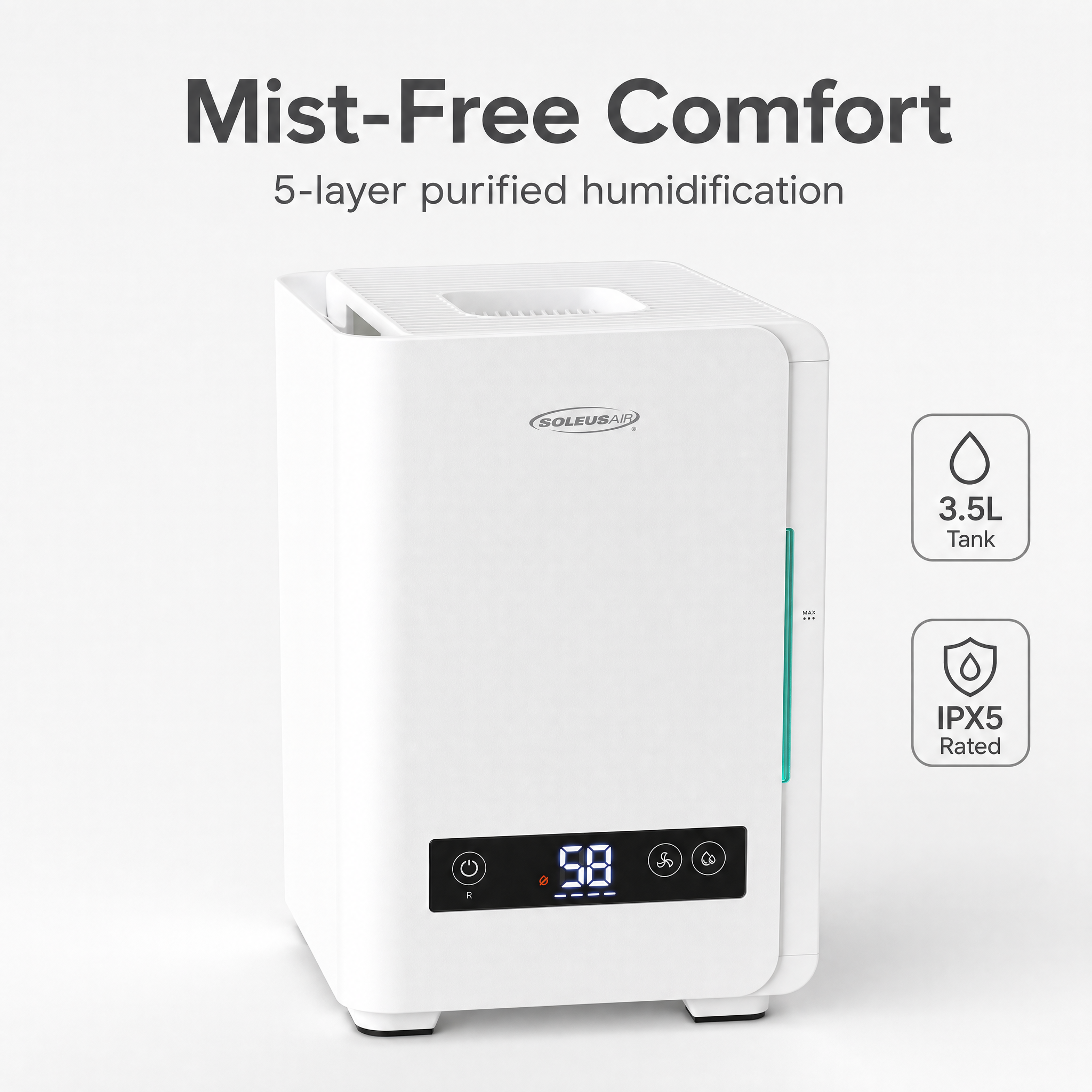
Lots of sellers get stuck on resolution thinking 1000 px is fine — wrong. Amazon quietly hard-coupled the zoom magnifier feature to a 2000 px long edge starting in 2024, and falling under 2000 drops conversion by 8% to 12%. I A/B-tested this on two of my own beauty listings and the gap was bigger than I expected.
Why 80% of Sellers Get Rejected the First Time
Of all the new ops people I've trained, basically none of them pass on the first try. The failures always cluster into the same buckets — check yourself against this list, nine out of ten sellers have hit at least one:
- White that isn't white enough. Uneven studio lighting leaves the background sitting at RGB 248 or 250 — looks white to the human eye, but the algorithm sees the difference immediately.
- Shadow breaking the frame. Product-to-floor contact shadows are allowed, but plenty of sellers upload raw studio shots where the shadow trails all the way to the edge of the canvas, which gets flagged as "contains scene elements."
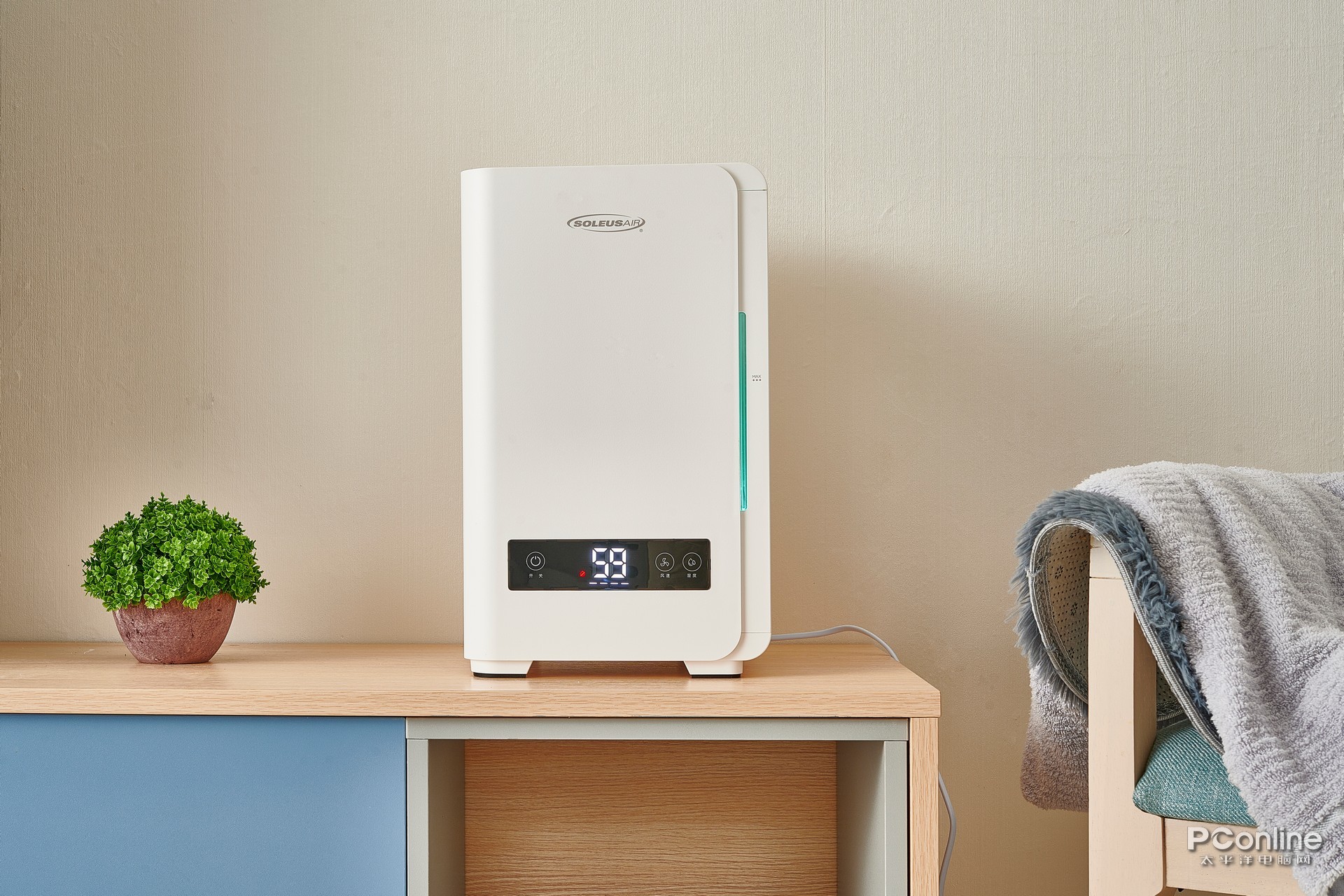
- Scene elements creeping in. Most common in consumer electronics — sellers prop the product on a wooden desk or a slate slab thinking it "adds texture." The main image slot only accepts pure white. Period.
- Photoshopped logos or corner badges. "Hot Sale," "Limited" watermarks — zero tolerance starting in 2026. Tiny text that used to slip through is now getting caught by the upgraded image recognition.
- Product floating with no shadow at all. Cutting out the product and slapping it on white with zero contact shadow gets the algorithm to flag it as a "fake composite" — a new rule added in Q4 2025.
- Product too small. Sellers afraid of being cropped leave a fat white border, the product ends up at 60% frame fill, and the mobile thumbnail is illegible.
- People reflected in the shine. Brutal for 3C and glassware. I used to shoot drinkware myself and got rejected twice because the photographer's silhouette was visible in the glass before I caught on.
At root all of these are a production-difficulty problem. The old studio + retoucher + cut-out-artist stack could push the cost per main image down to 25 to 40 RMB if you were good, but throughput capped at 30 to 50 images a week — nowhere near the pace at which SKUs ship today.
The 3-Step AI Compliance Workflow
My team has gone all-in on AI workflow now and the cycle time is honestly absurd. The flow runs cleanest on YunJing AI (yjz.ai) because the Amazon main image template is built into the product — generated output already conforms to platform spec out of the box.
Step 1: Upload one source photo.
A phone shot, a studio capture, even the supplier marketing image from 1688 — anything works. The system auto-detects the subject, runs edge detection, and figures out lighting direction. For multi-angle products I recommend uploading 3 source shots at once (front 01 / side 02 / back 03), then expanding into the full set with one click later.
Step 2: Pick the "Amazon Main Image" template.
This is the part that matters. The template ships pre-baked with white background RGB 255, frame fill 88% to 92%, natural contact shadow, 2000 px long edge, JPG sRGB — the whole parameter sheet. You don't need to remember any of the tech details. Picking the template = picking compliance.
Step 3: Auto-check + one-click download.
After generation the system runs a compliance self-check: background purity, subject frame fill, shadow boundary, text/logo presence, and reflection artifacts. All five have to pass before the download unlocks. I ran 600 images straight last month, the self-check pass rate translated into a 97.4% approval rate in Seller Central, and almost every one of the dozen-or-so rejections came back to the actual product having scratches — not the AI's fault.
The speed and throughput delta is hard to argue with:
| Approach | Time per Image | Monthly Throughput (per person) |
|---|---|---|
| Studio + retoucher (~30 RMB/image) | Half a day to a day | 80 to 120 images |
| Outsourced designer (~15 to 25 RMB/image) | 1 to 2 days | Under 200 images |
| AI workflow | 30 to 60 seconds | No ceiling |
My team pushed out 1,800+ main images last month alone. On the old stack the retouching invoice alone would have been almost 40,000 RMB. The AI workflow is a fraction of that.
Category-Specific Tweaks on "Pure White"
The rule says "pure white" across the board, but the optimal pass-rate setup actually differs by category. This is from testing across several of my own stores.
3C / Electronics. Extremely sensitive to reflections. Soften the highlights at generation time and keep screens completely off (a pure black screen is safer than a boot-up UI — boot screens often get flagged as containing text). Set the "metallic reflection" slider to low-to-medium in the template to avoid glare hotspots.
Apparel / Footwear. Amazon carves out an apparel exception — on-model shots are allowed, but the full body must be visible, no props, no side-turns that block the product. If you go flat-lay instead, add a 5% to 8% contact shadow boost for depth. A truly flat flat-lay gets read by the algorithm as a "scan" and the listing weighting takes a hit.
Beauty / Personal Care. Bottle reflections, liquid refraction, and glass transparency are the three classic problem areas. On my own serums I let the AI keep a bit of strength on both the "bottle-mouth highlight" and "bottle-base shadow" parameters so it reads like an actual bottle standing on white — not a floating sticker. I push resolution straight to 2000 px on this category because the zoom view is where texture closes the sale.
Food / Bulky Home Goods. Food packaging is dangerous because printed English nutrition labels can get misread as "main image text." Shoot at an angle that slightly tilts the front logo zone. Bulky home goods have the opposite problem — the product gets so big it busts the 95% frame fill ceiling. The template's "breathing room" slider on the "relaxed" setting handles this.
30-Second Approval + A Free A+ Upgrade
Getting the main image approved is just the starting line. Amazon's algorithm long ago started evaluating main image, secondary images, and A+ detail page as one bundle when scoring listing quality. A sharp ops lead generates the whole asset set in one pass.
My standard play right now:
- Generate 7 secondary images in parallel. One white-background main, three lifestyle scenes (on a desk / in the user's hand / in a real environment), two detail close-ups, one size-comparison shot — a few checkboxes in the template and the whole set drops.
- Spin out a paid-social ad set. Same product image, automatically reformatted to 1:1 square and 9:16 vertical for Facebook, TikTok, and Instagram media buys. No second design pass needed.
- Generate the A+ detail page modules directly. Tick "A+ modules" in YunJing AI and it assembles brand story / feature comparison / use-case scene / spec table into a finished detail page you can paste straight into Amazon's A+ Manager.
- Generate event banners at the same time. Prime Day, Black Friday, Chinese New Year — kick off banner generation two weeks ahead, submit through brand registry, swap them live on the event day.
The whole pipeline used to take a triangle of one ops person, one designer, and one art lead two weeks to land a single new product listing. Now one ops person owns it solo in half a day. That's why we dared to push the SKU count past 400 this year while running two fewer headcount than last year.
Get It Done in 30 Seconds with YunJing AI
The Amazon 2026 main image rules keep tightening, but tightening is a good thing — stores grinding it out with cameras and Photoshop get squeezed out, and the ones who stay are the ones who use the right tools. My read on this is blunt: if you're still hand-cutting product images this year, you're shipping 80% fewer creatives than your competitors daily, your conversion can't keep up, and your ad ROI won't hold either.
YunJing AI rolls "white-background main image + lifestyle shots + paid-social ad creative + A+ modules" into a single template. New users don't need to memorize any parameters — pick the category, pick the use case, and a full compliant asset set lands in 30 seconds. Run your hardest-to-shoot SKU through it once, look at the output, then decide whether to switch your stack. Amazon won't wait for you to slowly learn photography — but the AI will wait the 30 seconds for you.
Want to try the workflow described above?
Start with YunJing AI →