Build an Amazon A+ Page in 5 Minutes? 7 Modules, AI-Generated in One Click
A complete breakdown of the 7 modules in an Amazon A+ page — hero, features, comparison, sizing, packaging, pain points, brand story — with visual rules and an AI workflow.
Before 2023, building an Amazon A+ page was a two-week project for a designer, a copywriter, and a PM. Not anymore. A single operator sits down, drops the hero image in, runs all 7 modules, ships bilingual copy, locks the brand palette — and the whole thing takes about as long as two sips of coffee. This piece distills what we've learned across dozens of categories (consumer electronics, home, outdoor, baby, pet) into a complete module breakdown and workflow.
1. What A+ Content Is: the "Second Landing Page" Worth ~20% Conversion Lift
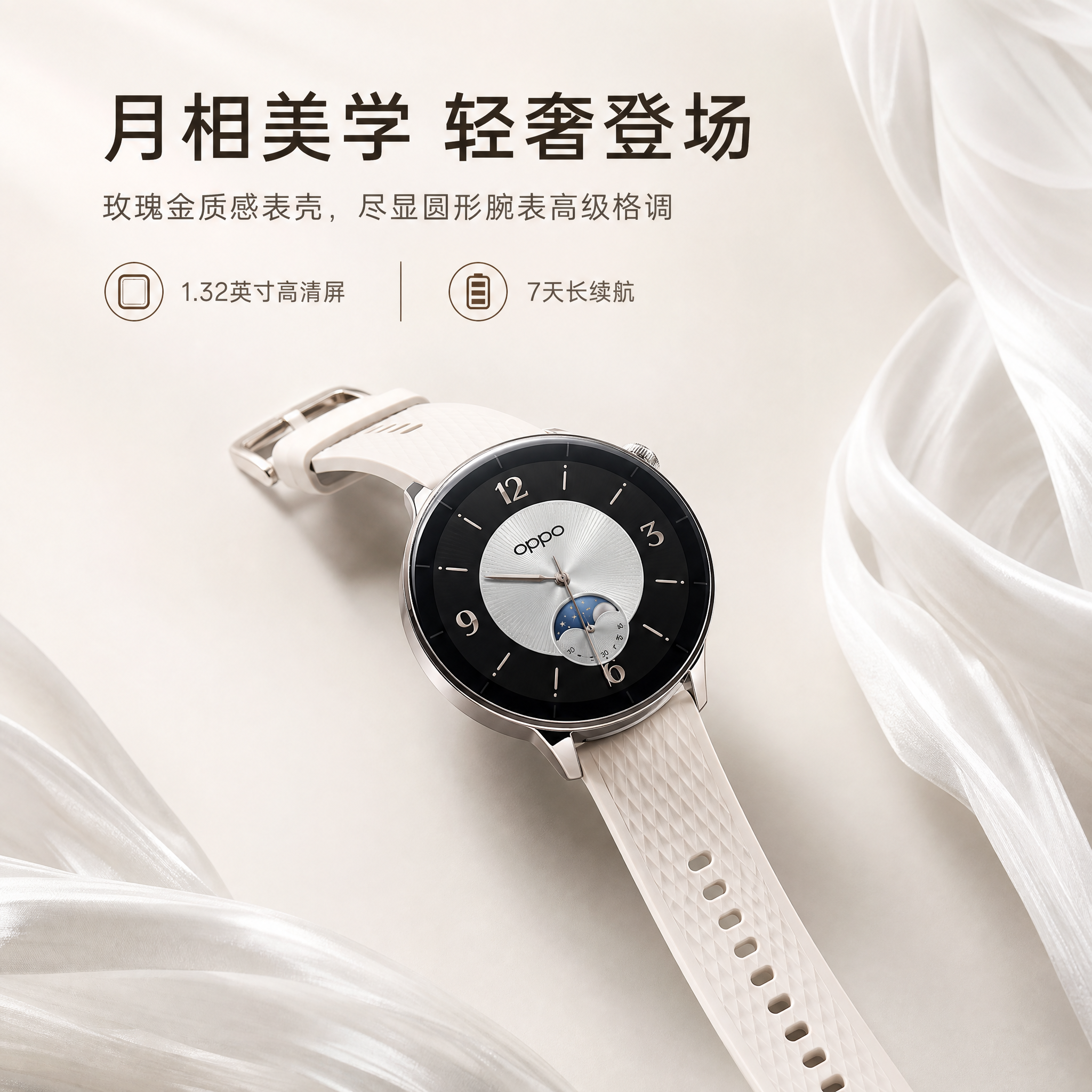
A+ Content (formerly Enhanced Brand Content) is the rich-media block that brand-registered sellers can drop into the Listing description area — images plus styled text, comparison tables, brand story, and so on. It replaces the default plain-text description.
Amazon has published two numbers anyone who's done this can recite from memory:
- Standard A+ delivers an average conversion lift north of 20%, and 30%+ in some categories;
- Premium A+ (formerly A++) adds another 8%–20% on top of Standard A+, thanks to video modules, carousels, interactive Q&A, and hover-zoom imagery.
What's underneath those numbers is a single idea: A+ is the only second persuasion shot you control, beyond the hero image and the five bullets. As a shopper's finger scrolls past the bullets, A+ is where you catch them — either they're convinced and add to cart, or they bounce.
So building an A+ page isn't really "making a few images" — it's designing a visual sales funnel with pacing.
2. The 7 Modules of a Standard A+ Page
Categories vary, but after dozens of SKUs you realize: every A+ page that actually performs is some arrangement of these 7 modules. Here's the structure we've settled on:
| Module | Purpose | Visual Focus | Copy Density |
|---|---|---|---|
| 1. Hero Visual (first_screen_visual) | Grab attention in 3 seconds, set brand tone | Lots of whitespace + product hero shot + slogan | Very low (≤8 words) |
| 2. Feature Detail (feature_detail) | Break down 3–5 core USPs | Close-up + icon + number | Medium (15–25 words per point) |
| 3. Comparison (comparison_image) | Rational evidence for "pick us, not them" | Comparison table / before-after / checkmarks vs Xs | Medium-high (list all key specs) |
| 4. Size & Spec (size_spec) | Kill the "will it fit / will it work" doubt | Three-view + callouts + scale reference | Low (numbers only) |
| 5. Packaging (package_image) | Manage expectations of "what shows up at my door" | Flat lay + accessory checklist | Medium (name each accessory) |
| 6. Pain Point (pain_point) | Build empathy, amplify the need | Real-life usage scenes + emotional tension | Medium (scene description) |
| 7. Brand Story (brand_story) | Trust signal, drive repeat purchase | Founders / craftsmanship / timeline | High (narrative paragraphs) |
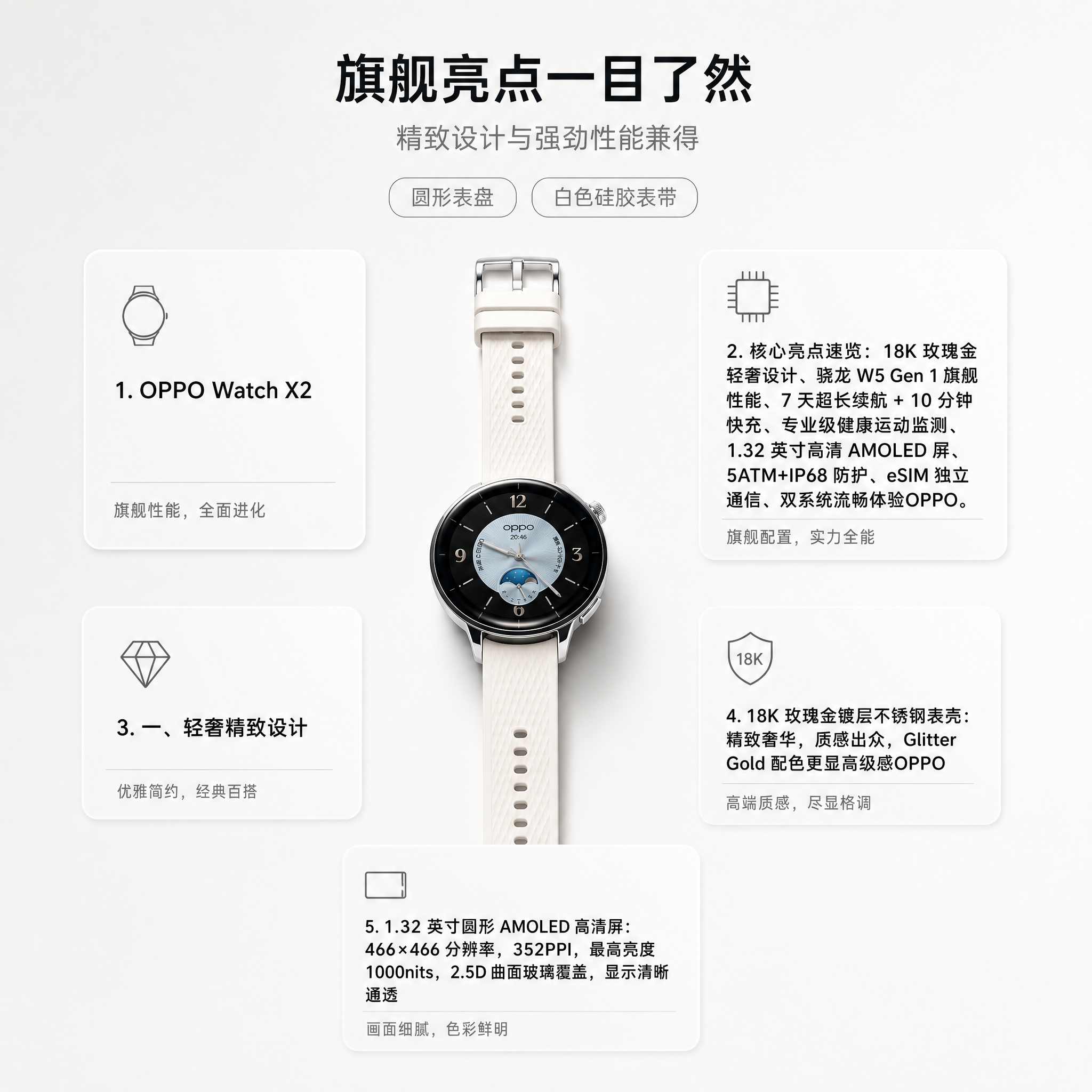
You don't need all 7, but cover at least 4–5, and the order is basically fixed: hero → pain point → features → comparison → sizing → packaging → brand. That sequence is the full "emotion → reason → decision → trust" loop.
3. Design Rules for Each Module
1. Hero Visual: the 3-Second Rule
The hero has exactly one job: keep the shopper from scrolling away. So the composition has to hit hard — product takes up 40–60% of the canvas, background is either high-saturation or radically minimal, the slogan stays under 8 words, and you never stack four lines of text. Use a bold sans-serif. Color contrast ratio ≥ 4.5:1.
2. Feature Detail: No More Than 5 USPs
The human brain caps out at about 5 parallel pieces of information on a single image. More than that and everything gets diluted. Each USP gets a close-up + an icon + a number-driven line ("72-hour battery" beats "long-lasting battery" every time).
3. Comparison: Don't Name the Competitor
Amazon policy bars you from calling out competitor brands. So use generic framing — "Standard version vs Ours" or "Traditional approach vs Our Solution" — and list the deltas in a checkmark/X table. Show at least 5 differentiators; fewer than that and it looks like you're hiding something.
4. Size & Spec: Always Include a Scale Reference
Numbers alone don't land — shoppers don't have a ruler in their head. Always pair the spec with a photo next to a familiar object: a phone, a sheet of A4, a soda can, a hand. This is one of the single best ways to bring your return rate down.
5. Packaging: Lay Out Every Accessory
Top-down flat lay + each accessory labeled with name and quantity. This one image alone can cut "where's the missing piece" support tickets by 30%+.
6. Pain Point: Use Real Scenes, Not Clip-Art Icons
The biggest pain-point mistake is slapping a sad-face emoji on a slide. Shoot or render an actual scene — selling organizers? Show a chaotic desk. Selling pet feeders? Show an empty bowl on a late-night kitchen counter while the owner is still at the office. Emotional tension beats information density.
7. Brand Story: Tell One Specific Thing
Don't write "20 years committed to quality" — every brand says that. Tell one concrete story: a specific customer email that made you redesign the mold for the Nth time. Or use a real photo from the factory floor + a one-line founder quote. Specific beats grandiose.
4. The AI Workflow for a Full A+ Set (5 Steps)
Building the 7 modules used to eat 3–5 designer-days. With YunJing AI, the whole flow compresses to under 5 minutes:
- Upload the hero image (1–3 shots recommended, ideally covering front / side / back). The system auto-detects product type, material, color, and usage scenario.
- Fill in the product brief: product name, 3–5 core selling points, target audience, brand tone keywords (clean / techy / warm / pro — pick 1 or 2). This step sets the emotional baseline for every module downstream. Don't phone it in.
- Pick the modules you want: select from the 7, usually 5 minimum. The system first produces a visual plan (composition direction, palette, copy angles per module) for you to review — not finished images yet.
- Review the plan, then trigger the generation in one click. This is the critical step. The visual plan is basically your designer's sketch review — fix anything broken here. Fixing post-render takes 10× longer.
- Download and tweak: all 7 images generate together with unified brand color, typography, and grid. Need to tweak a line of copy? Edit it directly in the editor — no re-render needed.
The core idea behind this workflow: AI doesn't replace your judgment, it compresses your execution. The plan stage keeps decision-making in your hands; the generation stage takes the manual work off your plate.
5. Two Details for Premium A+: Video Module + Multi-Locale
If you're a brand-registered seller with qualifying sales, you can unlock Premium A+. Beyond the extra carousel modules, hover-zoom imagery, and Q&A, the most valuable feature is the 30-second video module.
Practical points for the video module:
- The product itself has to appear in the first 3 seconds — skip the logo intro, shoppers won't wait;
- Don't depend on audio — Amazon mutes by default, so burn captions into the frame;
- 16:9 aspect ratio, resolution ≥ 1280×720, file size ≤ 500MB;
- No prices, no promo codes, no URLs, no other-platform logos in-frame — these get auto-rejected.
Multi-locale rollout is the other place sellers trip up. If you're running US / UK / DE / JP / FR storefronts at once, A+ modules must be submitted per-locale in each language — Amazon will not translate the text baked into your images.
YunJing AI's approach: keep the same visual plan, swap the copy language at generation time (currently CN / EN / JP / DE / FR / ES). The underlying visual template is reused — only the text layer re-renders. So once the UK store is done, switching to DE and FR is one click each, and the full set is out the door in 10 minutes with consistent brand visuals across locales.
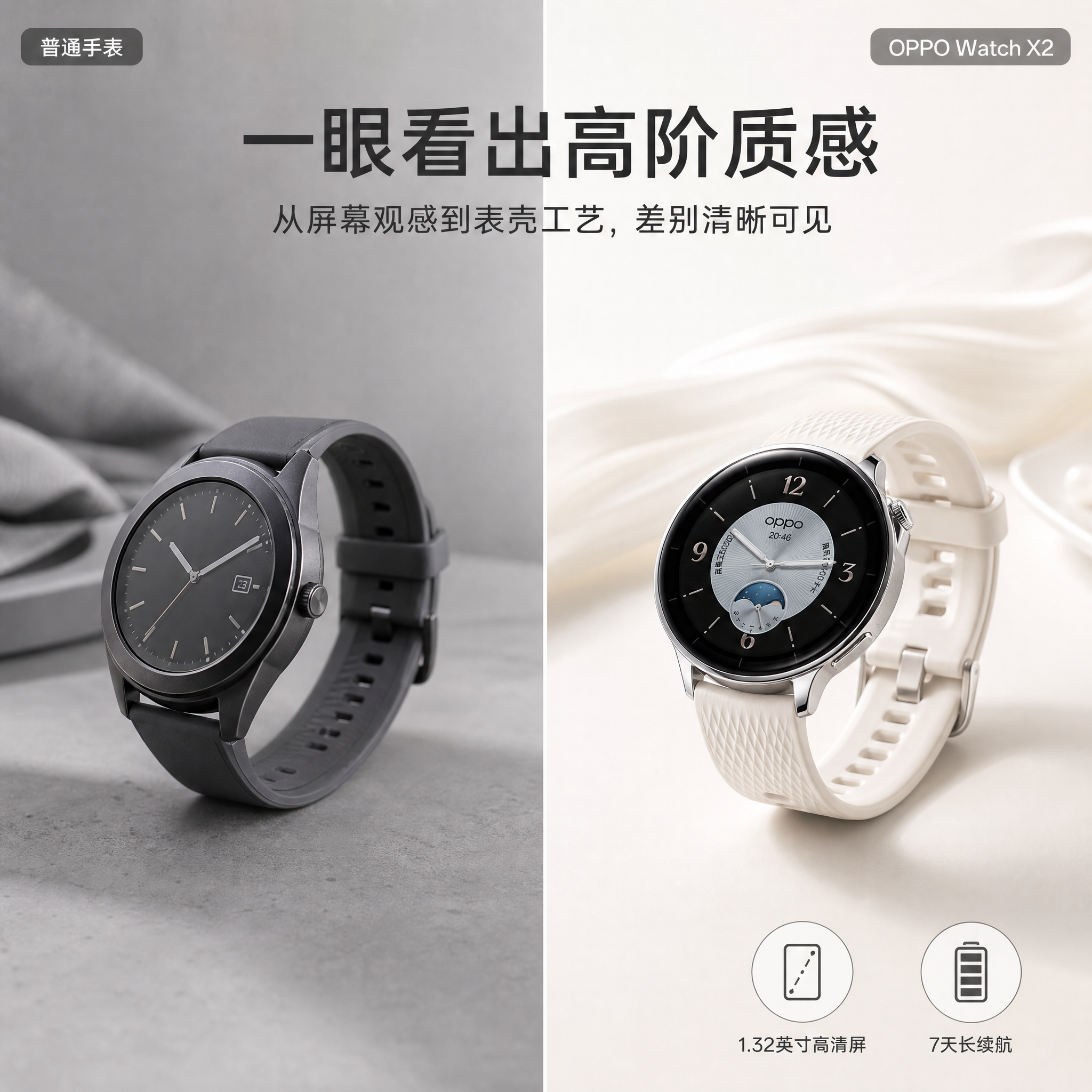
Done in 30 Seconds with YunJing AI
Back to the opening line — building an Amazon A+ page hasn't been a question of "can you do it" for a long time. It's a question of "are you willing to put in the hours." Hand the design rules of the 7 modules to AI, keep the decision-making at the planning stage, push the multi-locale grunt work onto a single button — and one operator can ship what used to take three people two weeks.
That 20% conversion lift isn't magic. It's the byproduct of saying the right thing in the right module. Let the tools handle the rest.
Want to try the workflow described above?
Start with YunJing AI →