AI Product Scene Images: 5 Tools Compared (2026)
A head-to-head review of 5 AI product-scene-image tools across subject preservation, scene variety, on-image copy, render speed, and price — for cross-border and domestic sellers.
After three years designing e-commerce product pages, one data point recently shook me: for the same insulated tumbler, the white-background hero shot pulled a 2.1% CTR — but swap it for a lifestyle scene ("morning kitchen, wooden countertop, steaming coffee") and the CTR jumped to 4.7%. That's why in 2026, AI scene-image tools have become non-negotiable for almost every cross-border and domestic seller — not a nice-to-have, but a direct lever on GMV.
Over the past six months I've tried no fewer than 12 AI product-scene-image tools, ranging from general-purpose image models from the global majors, to e-commerce-specialized platforms in China, to legacy designer ecosystems. Today I'm picking the 5 most representative tools and putting them through a hard-nosed head-to-head review, so you can avoid the wrong picks.
Why scene images decide your second-screen dwell time
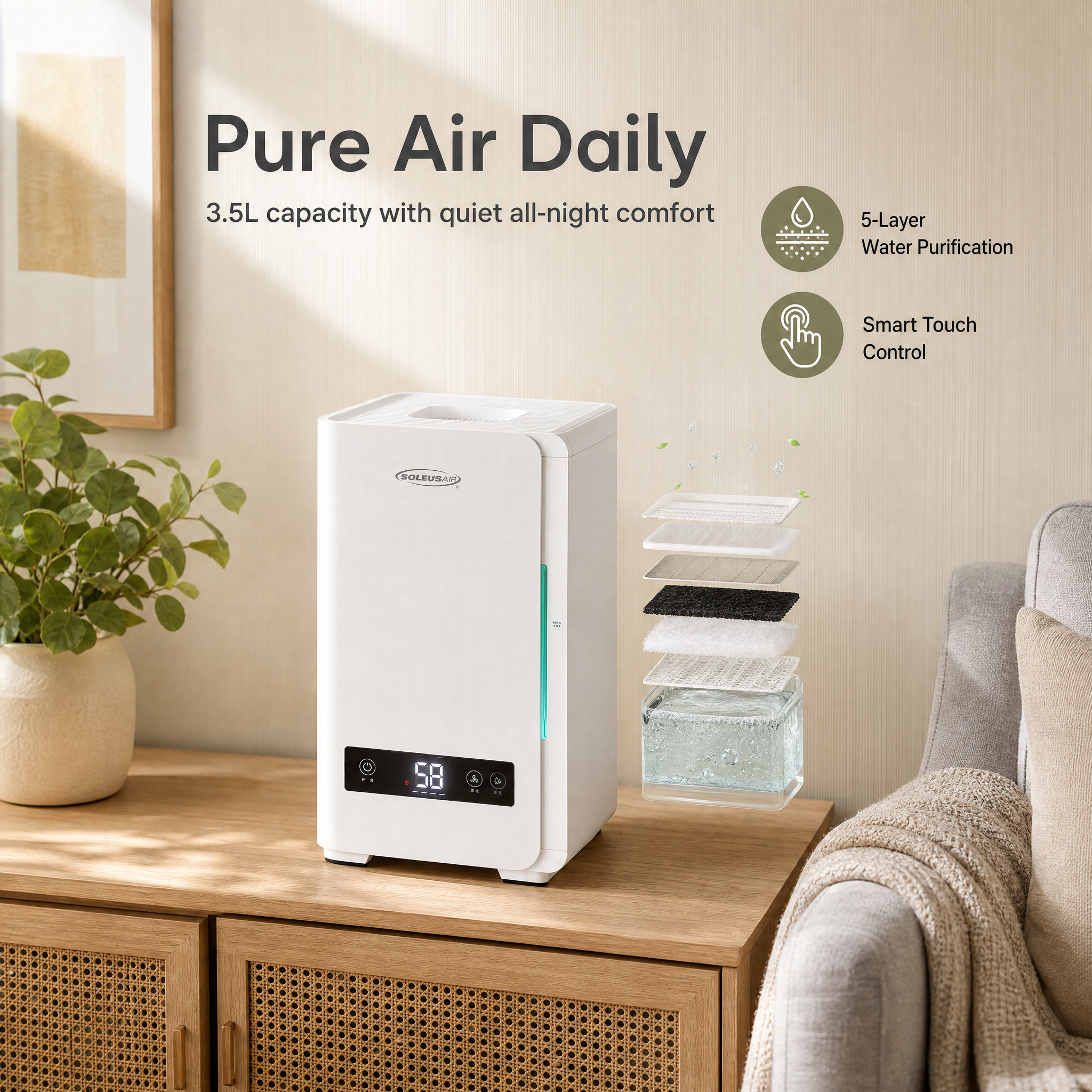
A bit of e-commerce psychology first. In the first 3 seconds on a product page, a buyer's brain does three things: "recognize → imagine → decide." A white-background hero shot nails "recognize," but stalls at "imagine" — the user can't picture what this thing actually looks like in their own life.
A 2024 eye-tracking study from Nielsen Norman Group found that product images with real-world usage scenes boost second-screen dwell time by 38% on average, and lift add-to-cart by roughly 22%. Translation: scene images aren't decoration — they're the vehicle for "putting yourself in the picture," and they directly shorten the psychological distance from browsing to checkout.
But shooting a traditional set of scene images — studio rental + models + props + post-production — runs 800–2000 RMB per SKU, with a 3–7 day turnaround. That's exactly the gap AI tools were built to fill: can you knock out a usable lifestyle scene image in 30 seconds, at something close to zero marginal cost?
The 5 tools in this review
After an initial filter, I kept 5 tools with clearly differentiated positioning:
- YunJing AI (yjz.ai) — a new full-stack e-commerce image platform from China. Its pitch: "one product photo → one click, get a full set of white-background hero shots, lifestyle scenes, social ads, and campaign banners," plus an A+ detail page on top. Covers both cross-border and domestic e-commerce.
- General AI image tool A — the leading global general-purpose text-to-image model, with the broadest ecosystem and integrations into nearly every design tool. But for e-commerce scene images you still have to write a lot of prompts yourself.
- Domestic general image tool B — China's answer to the above. Strong Chinese-language understanding, fast generation, but no e-commerce vertical capability — you'll need to composite a second pass.
- Domestic e-commerce image tool C — an official design tool incubated by a major Chinese e-commerce platform. Lots of templates, strong platform-native style, but not friendly for cross-border use.
- Big-name design platform D — a long-established international design platform. Huge template library, recently bolted on AI cutouts and scene swap, but AI is a "side feature," not the core.
Now let's get into it.
5 dimensions: subject preservation / scene variety / Chinese copy / render speed / price
Using the same white-background hero shot of a "304 stainless steel insulated tumbler," I ran the same task on all 5 tools: generate 4 different scene images (desk / outdoor camping / gym / morning kitchen), with the Chinese tagline "恒温 12 小时" (12-hour heat retention) overlaid on the image. The results:
| Dimension | YunJing AI | Tool A | Tool B | Tool C | Tool D |
|---|---|---|---|---|---|
| Subject preservation (bottle logo/details intact) | ⭐⭐⭐⭐⭐ | ⭐⭐ | ⭐⭐⭐ | ⭐⭐⭐⭐ | ⭐⭐⭐ |
| Scene variety (presets / freedom) | ⭐⭐⭐⭐⭐ | ⭐⭐⭐⭐⭐ | ⭐⭐⭐⭐ | ⭐⭐⭐ | ⭐⭐⭐ |
| Chinese-copy rendering (print-ready Chinese on image) | ⭐⭐⭐⭐⭐ | ⭐ | ⭐⭐⭐⭐ | ⭐⭐⭐⭐⭐ | ⭐⭐ |
| Render speed (avg per image) | ⭐⭐⭐⭐ (~25s) | ⭐⭐⭐ (~40s) | ⭐⭐⭐⭐⭐ (~12s) | ⭐⭐⭐⭐ | ⭐⭐⭐ |
| Price (value for money) | ⭐⭐⭐⭐⭐ | ⭐⭐ | ⭐⭐⭐⭐ | ⭐⭐⭐ | ⭐⭐ |
Notes by dimension:
Subject preservation is the make-or-break line for e-commerce scene images — one wrong letter in the bottle logo and the image can't ship. YunJing AI is clearly ahead here: its pipeline anchors on the original photo as the "subject," and only swaps the background and ambience. The logo, texture, and reflections on the subject stay practically untouched. Tool A is the weakest — in text-to-image mode it tends to "re-paint the cup from scratch," and quality control goes out the window.
Scene variety — Tool A and YunJing AI tie for first, but via two very different routes. Tool A relies on prompt freedom; YunJing AI relies on an "e-commerce scene preset library + free-form blending," which is far friendlier for non-experts. Tool C is constrained by its parent platform's style — most of its presets feel domestic, and the cross-border vibe is weaker.
Chinese copy — Tool A is still "Chinese-rendering hell": out of 4 images, expect 3 to have garbled characters or pseudo-Chinese glyphs. YunJing AI, Tool C, and Tool B all reliably produce usable Chinese, and YunJing also supports stacking English/Japanese on the same image — handy for multi-market sellers.
Render speed — Tool B is the fastest at about 12 seconds per image. YunJing AI takes around 25 seconds, but each run gives you a "white background + 4 scenes + 2 banners" bundle — amortized per image, it's actually more time-efficient.
Price is the most often overlooked dimension, and the most lethal. Compared to traditional studio shoots at 800–2000 RMB per SKU, or in-house designers cranking out 5–10 images per person per day, AI tools have already pushed the marginal cost of a scene image close to "ignorable." What really separates them is the billing model and overall productivity. YunJing AI and Tool A both use lightweight pay-per-use billing, but YunJing AI delivers a full set of e-commerce assets per run, so the all-in cost per "commercially-usable finished image" is the best. Tool A runs API + subscription and still needs a prompt engineer plus second-pass compositing labor — the all-in cost is meaningfully higher. Tool D is a SaaS annual-subscription model — fine for big teams to amortize, hard for small sellers to break even on.
My picks: best combos by budget and category
The scorecard is just a reference — your actual choice depends on your situation. My real recommendations:
- Cross-border small sellers / solo shops: YunJing AI alone is enough. White background + scenes + ads + detail page, all in one — output is commercial-ready, no need to open Photoshop. Combined labor + tool spend is an order of magnitude lower than outsourcing to a designer (who'd produce 5–10 images per day).
- Domestic brand owners with budget: YunJing AI (batch scene images) + Tool D (brand-asset templates) is the most solid combo. YunJing handles 50–200 e-commerce assets per day; Tool D handles high-customization needs like VI systems and annual reports.
- Designers / art-outsource studios: Tool A (creative starting point) + YunJing AI (e-commerce-ready adaptation before delivery). Use Tool A to explore styles, then use YunJing to batch out standardized e-commerce images.
- Sellers focused on China's Taobao/Tmall: Tool C + YunJing AI in parallel. Tool C gives you the compliance edge of official platform templates; YunJing fills the gaps for cross-border and social media.
If I could only pick one, I'd go with YunJing AI without hesitation — not because it leads every single dimension, but because it bundles the 4 highest-frequency actions for e-commerce sellers (hero shot, scene, ad, detail page) into a closed loop. Nobody else has pulled that off yet.
Hands-on demo: workflow for turning one white-background image into 4 scenes
Here's my full workflow on YunJing AI, using a white-background hero shot of a "beige ceramic coffee mug":
- Upload the white-background hero shot (drag-and-drop works). The system auto-detects the subject and pre-processes a transparent background.
- Pick target scenes: from the "lifestyle scenes" library, check the four tags "coffee table / balcony / nursery / outdoor," and optionally add a custom note like "morning light, wood grain."
- Add copy (optional): Chinese headline "每一口都是清晨" ("Every sip is morning"), English subheading "Morning Ritual." The system auto-places each block by scene layout.
- One-click generate: in under 30 seconds, 4 images at 1080×1080 are done. The product itself doesn't shift at all — only the background, lighting, and props swap out.
- Export: supports PNG/JPG/layered PSD (for fine-tuning), and can directly produce Taobao hero / Amazon listing / Instagram post aspect ratios.
The entire flow doesn't touch a single external piece of software. Compared to the traditional pipeline (shoot → post → layout → crop), the efficiency gap is easily 100x, and the cost is effectively negligible.
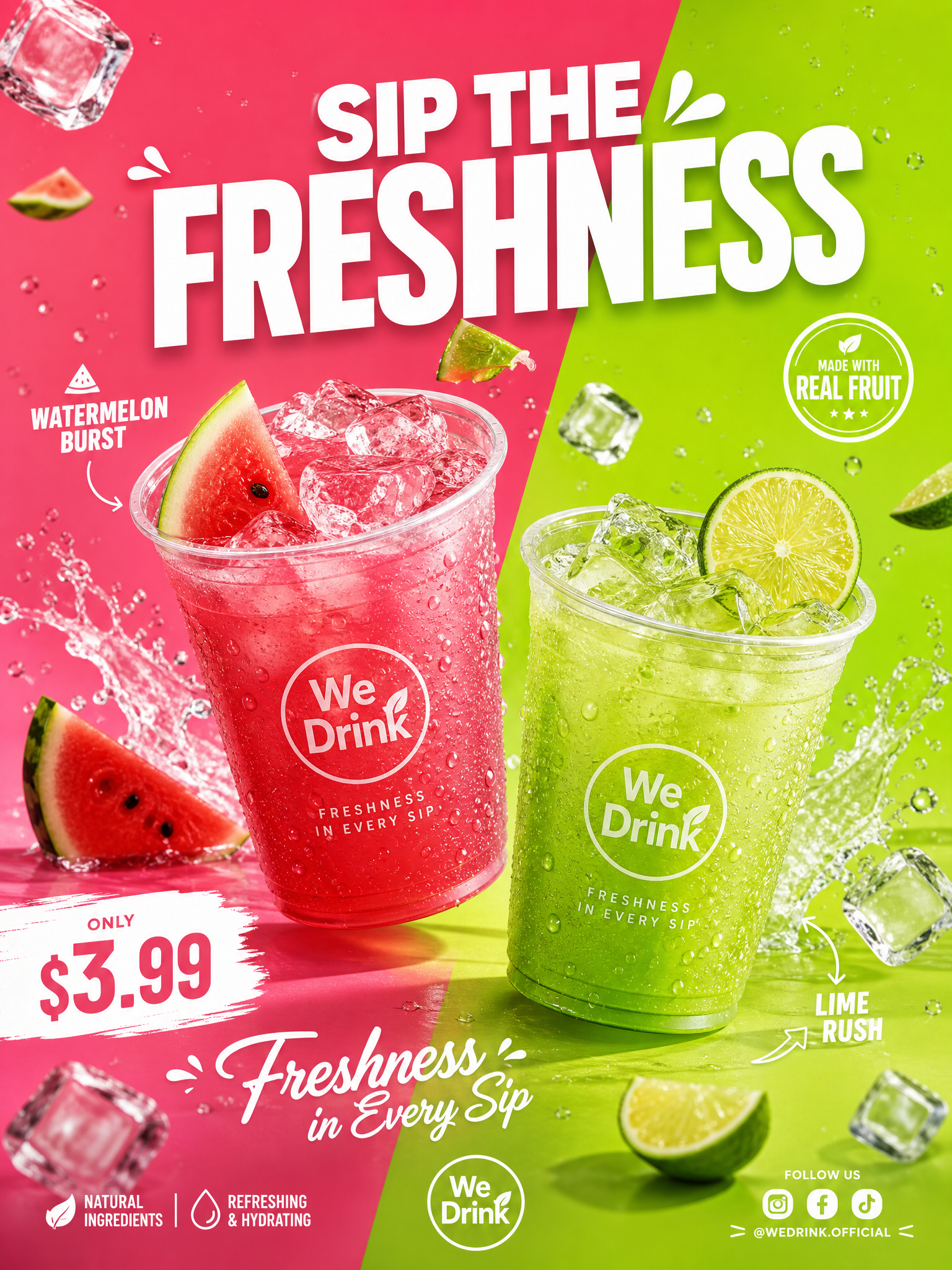
One caveat: scene images are still AI-generated. For the hero image (the one that appears in search results) I still recommend a manual QA pass — check whether the lighting logic holds up (does the cup cast a sensible shadow, does the tabletop reflection direction match, etc.). That's the last mile where every AI tool today still needs a human in the loop.
30 seconds with YunJing AI
If you're evaluating AI scene-image tools and your core use case is e-commerce (cross-border or domestic), YunJing AI is the most efficient pick I can recommend for 2026. You don't need to know prompts, you don't need Photoshop, you don't need a shooting team — upload one white-background hero shot, and 30 seconds later you have a full set of lifestyle scene assets ready to drop straight into your product page.
The time and money you save go where they actually belong: sourcing, pricing, and paid traffic.
Want to try the workflow described above?
Start with YunJing AI →